ShiftDrop
Drag and Drop File Converter for Windows and Mac
DeskDrop connects a Windows PC, a Mac and your Android phone. Move the pointer off the edge of one screen and keep working on the other computer with the same mouse and keyboard. Copy on one, paste on the other. There is no account and no cloud: your devices talk only to each other.
Windows 10 and 11, macOS 13 or later, Android 10 or later.
The pointer moves to the other computer at the screen edge.
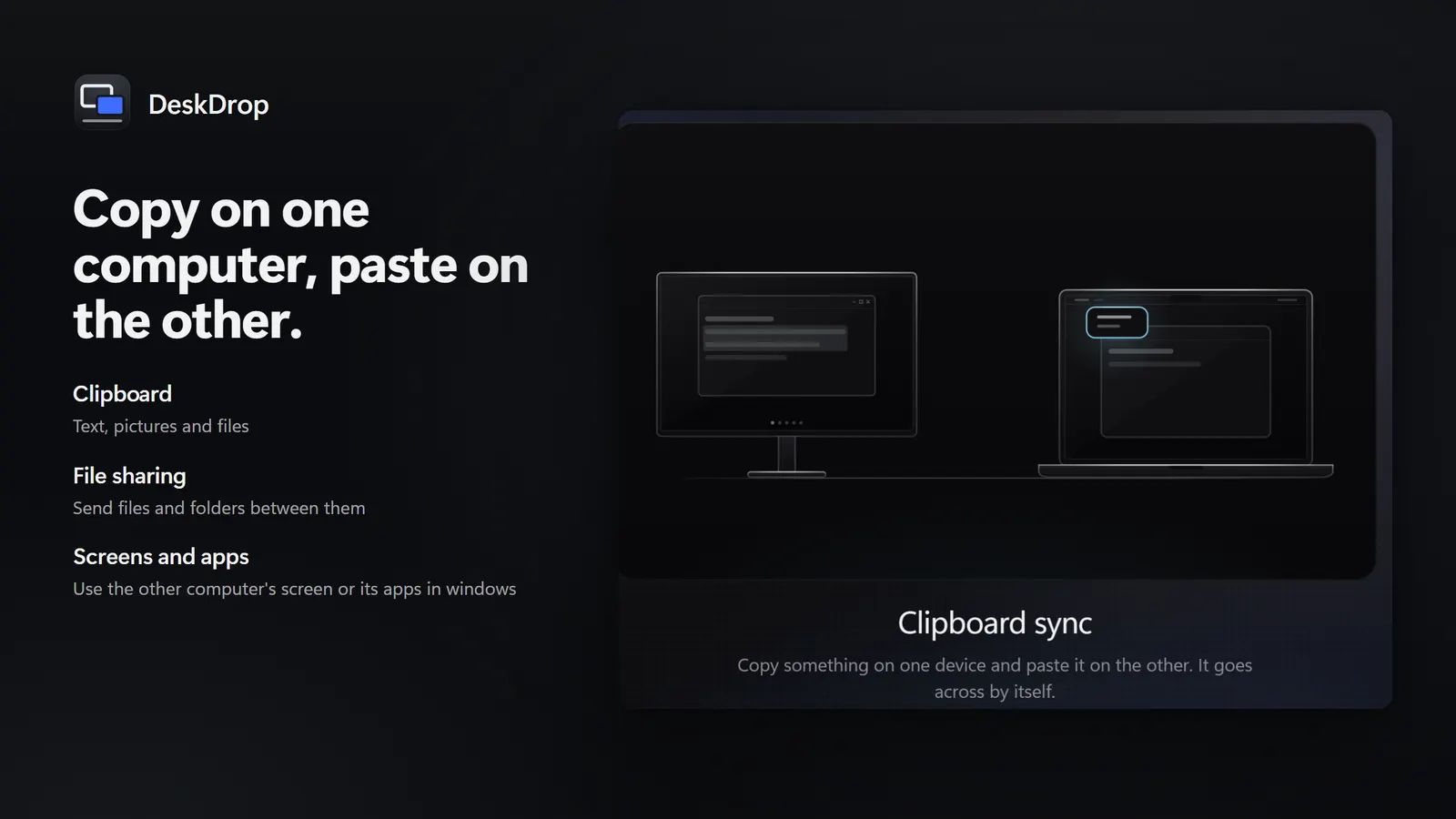
Copy on one computer and paste on the other. Send files and folders between them.
Show the other computer's screen, open its apps in windows, or use a laptop as a second screen.
Share sound, and use one computer's camera on the other.
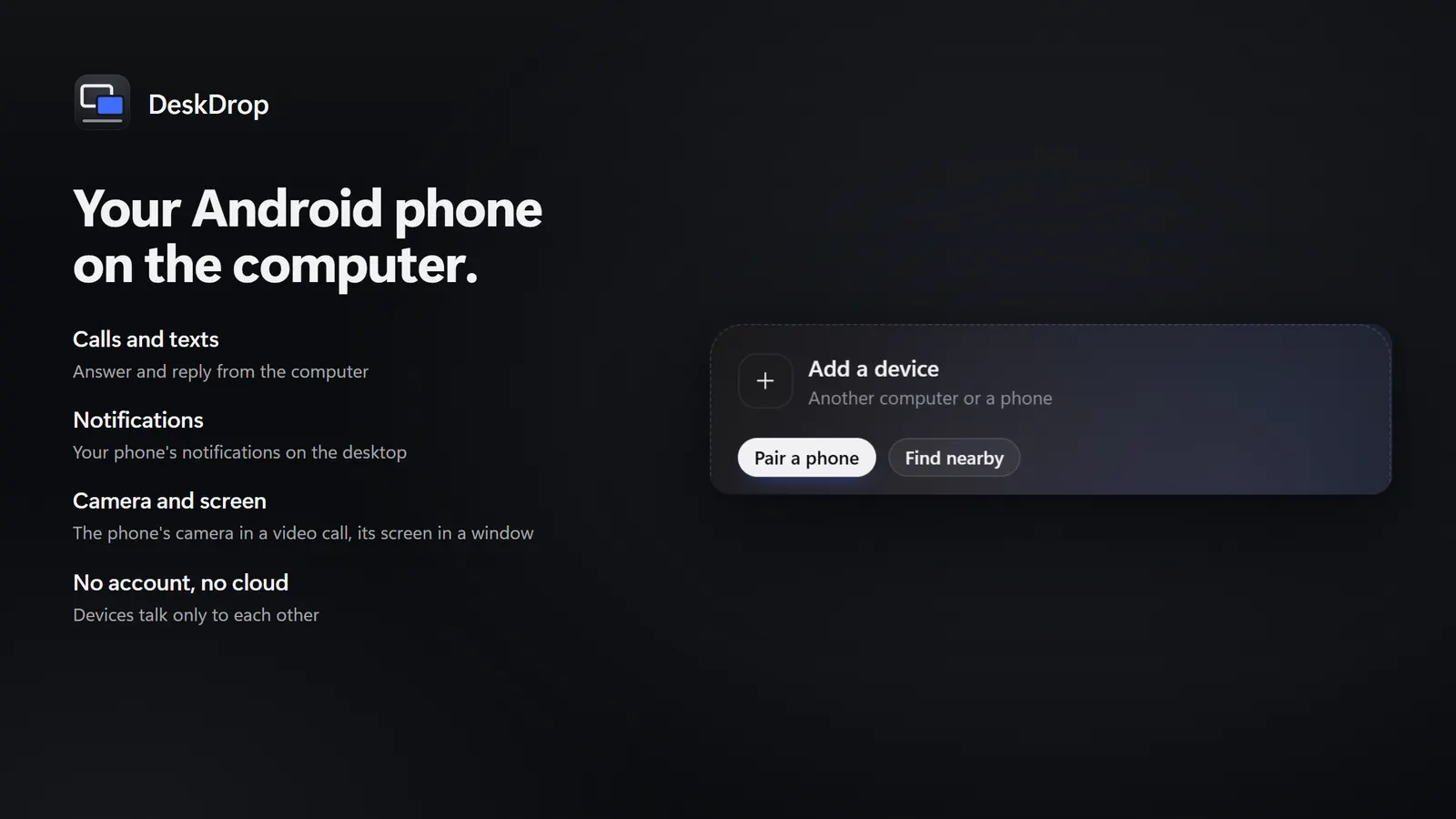
Calls and texts from the computer, the phone's notifications on the desktop, its camera in a video call, its screen and apps in windows, and the phone as a remote or a gamepad.
No account and no cloud. Devices talk only to each other, on an encrypted link: the same Wi-Fi, a USB cable, or Bluetooth and a direct Wi-Fi link when there is no shared network. Every feature starts off until you turn it on.
Patch's Windows apps are not code-signed yet, so the first time you run the installer Windows may say "Windows protected your PC". Click More info, then Run anyway.
The Mac version is new and still has little real-world use. If something does not work on your Mac, reply to your receipt email and we will help you get it running.
Install DeskDrop on both computers.
Pair them once with a code. Your phone pairs with a QR code, and DeskDrop installs its phone app for you.
Turn on what you want: mouse and keyboard, clipboard, files, screens, sound, camera.
No. The phone features need an Android phone. There is no iPhone app. Everything between your computers works without a phone.
Yes. Install it on each computer. One purchase covers all of your own computers and phones.
No. Your devices connect to each other directly. Only update checks use the internet.
No. You pay once and keep it. Use it on all of your own computers and phones.
DeskDrop comes from an independent developer and is not code-signed yet, so the first time you run the installer Windows may say "Windows protected your PC". Click More info, then Run anyway.
DeskDrop is not notarized by Apple yet, so the first time you open it macOS says it cannot verify it. Open System Settings, Privacy and Security, and click Open Anyway. Then allow DeskDrop under Screen Recording, Accessibility and Input Monitoring when it asks.
One Mouse and Keyboard for Your PC, Mac and Phone
Need help after you buy? Reply to your receipt email and describe what happened. We will help you get it running.