PasteDrop
Clipboard History Manager for Windows
StashDrop keeps what you copy: pictures, text and links. Press Ctrl+Alt+T and they hang on three shelves over your screen. Pick one with the arrow keys and press Enter to copy it again. Keep what matters in a library, and find any picture by typing what is in it.
Windows 10 and 11, 64-bit. Search runs on your PC.
Pictures, text and links each land on their own shelf in the background as you copy.
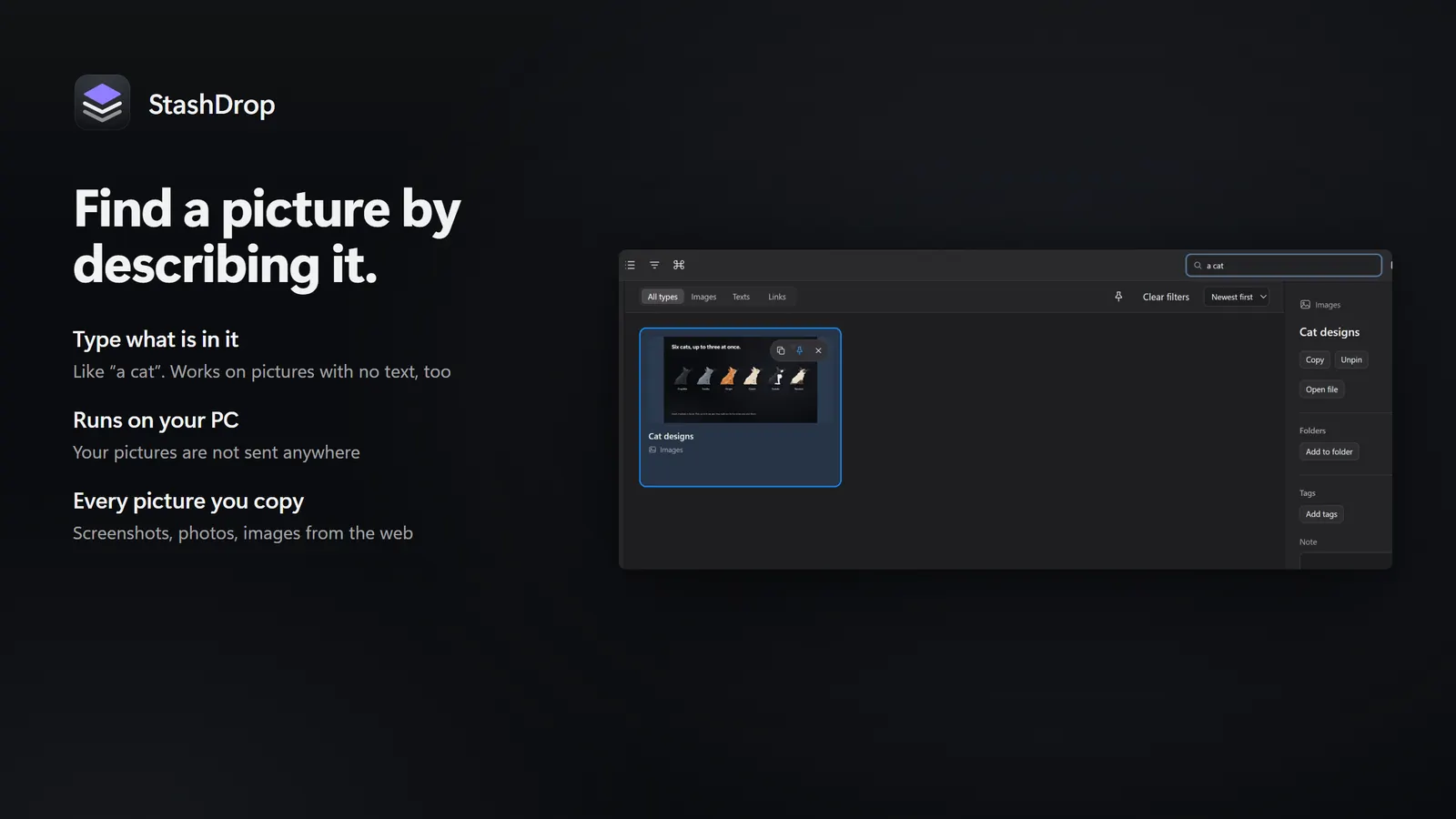
Type what is in the picture, such as "a cat", and StashDrop finds it, even when the picture has no text in it.
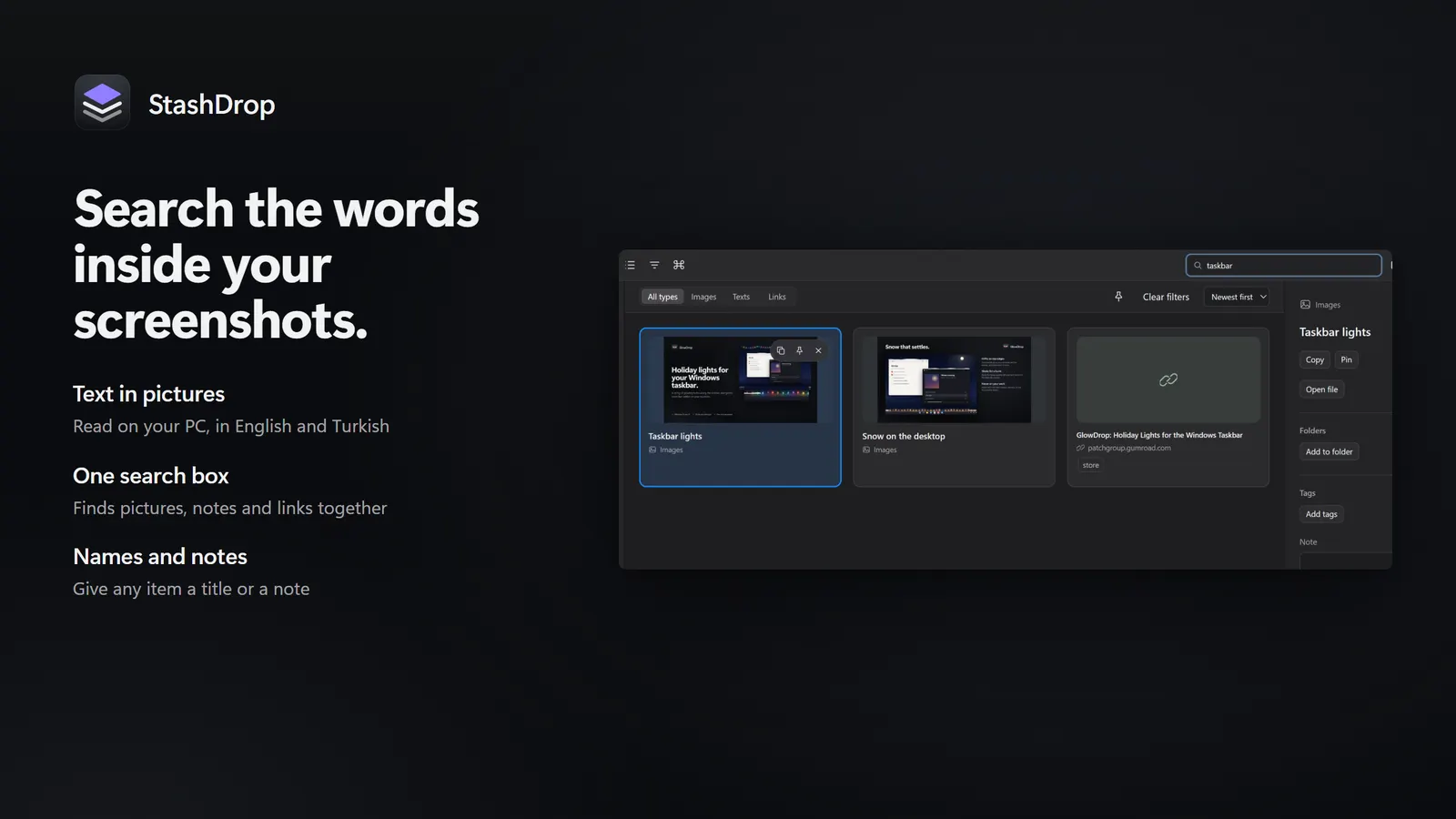
Text inside pictures is read on your PC and becomes searchable, in English and Turkish.
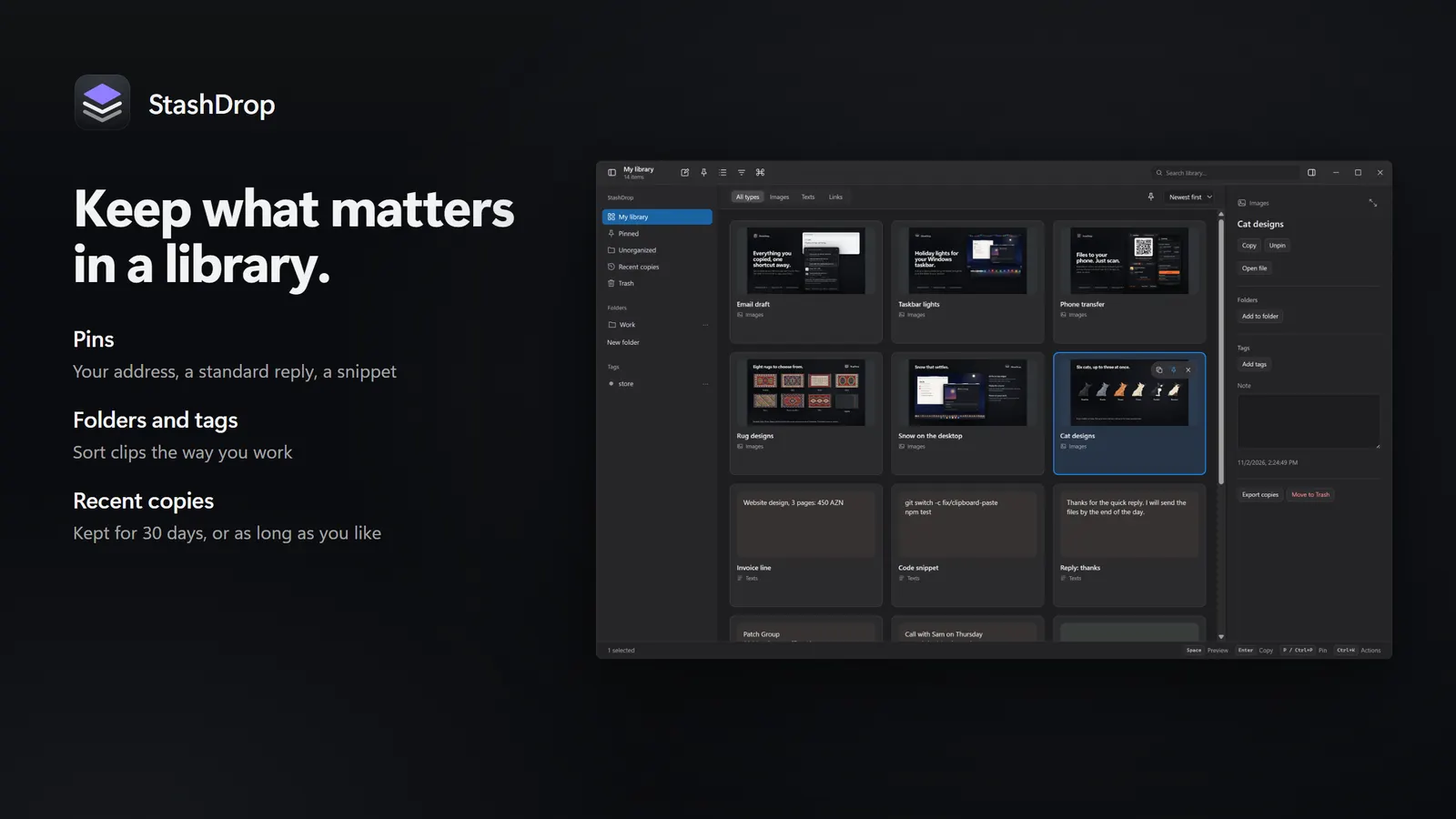
Pin items, sort them into folders, add tags and notes. Copies you do not keep move to the Trash after 30 days; pick 1 to 30 days or keep them forever.
Ctrl+Alt+S searches the shelves from wherever you are.
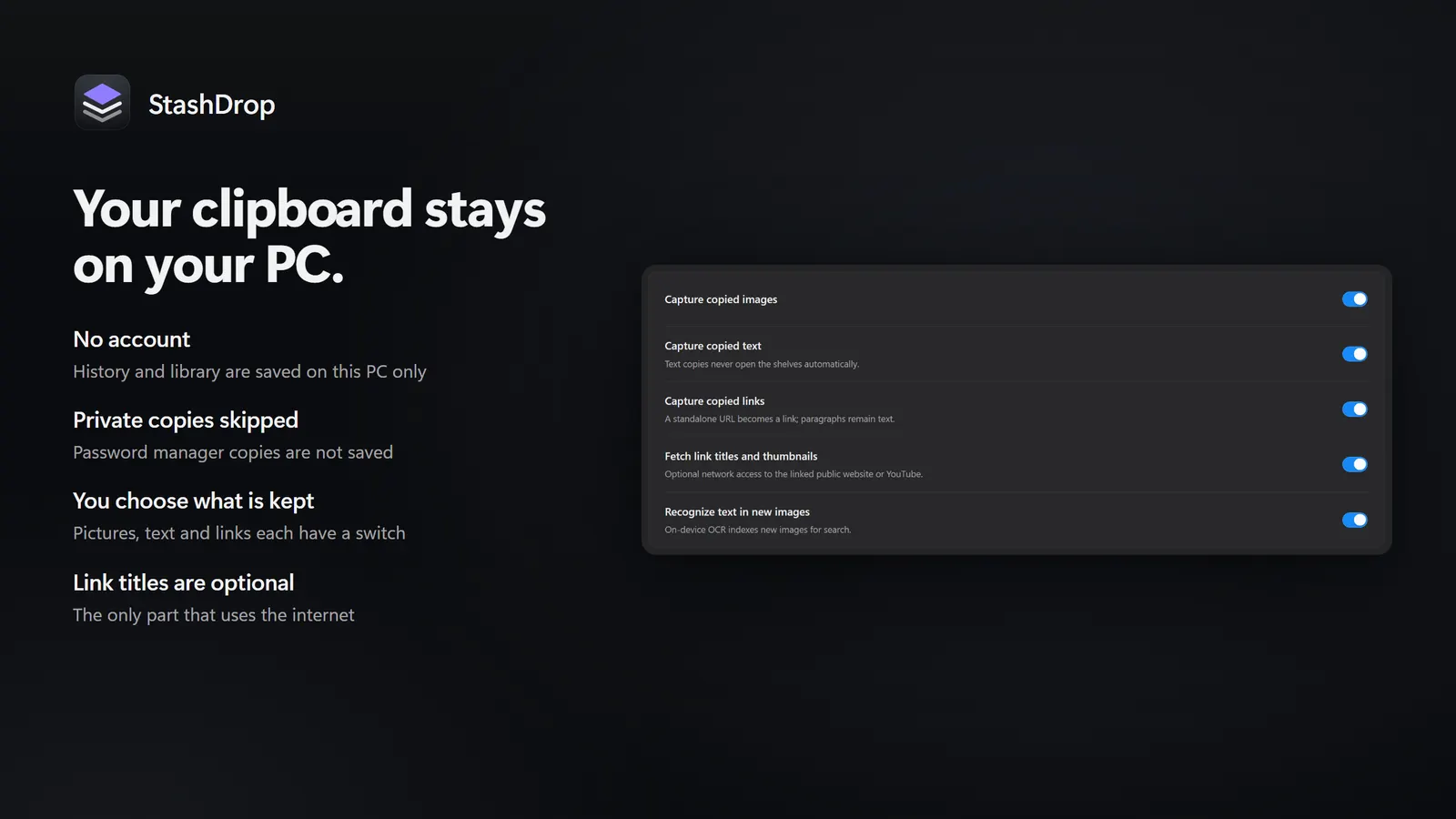
Your history and library stay on your PC, with no account. Copies that password managers mark as private are skipped. Only link titles and thumbnails come from the internet, and you can turn that off.
Patch's Windows apps are not code-signed yet, so the first time you run the installer Windows may say "Windows protected your PC". Click More info, then Run anyway.
Copy as usual. Pictures, text and links land on their own shelf in the background.
Press Ctrl+Alt+T. The shelves open over whatever you are doing.
Pick an item with the arrow keys and press Enter to copy it. Esc closes the shelves.
Win+V keeps 25 items and clears the unpinned ones when you restart. StashDrop keeps your copies for 30 days or longer, shows pictures large, has a library with folders and tags, and finds pictures by what is in them.
No. Search and text recognition run on your PC. Only link titles use the internet, and you can turn that off.
Pick another shortcut in Settings, Keyboard shortcuts.
No. You pay once and keep it. Use it on all of your own computers, and every 1.x update is free.
StashDrop comes from an independent developer and is not code-signed yet, so the first time you run the installer Windows may say "Windows protected your PC". Click More info, then Run anyway.
Clipboard Shelves with Picture Search for Windows
Need help after you buy? Reply to your receipt email and describe what happened. We will help you get it running.