PawDrop Lite
A Free Desktop Cat for Your Windows Taskbar
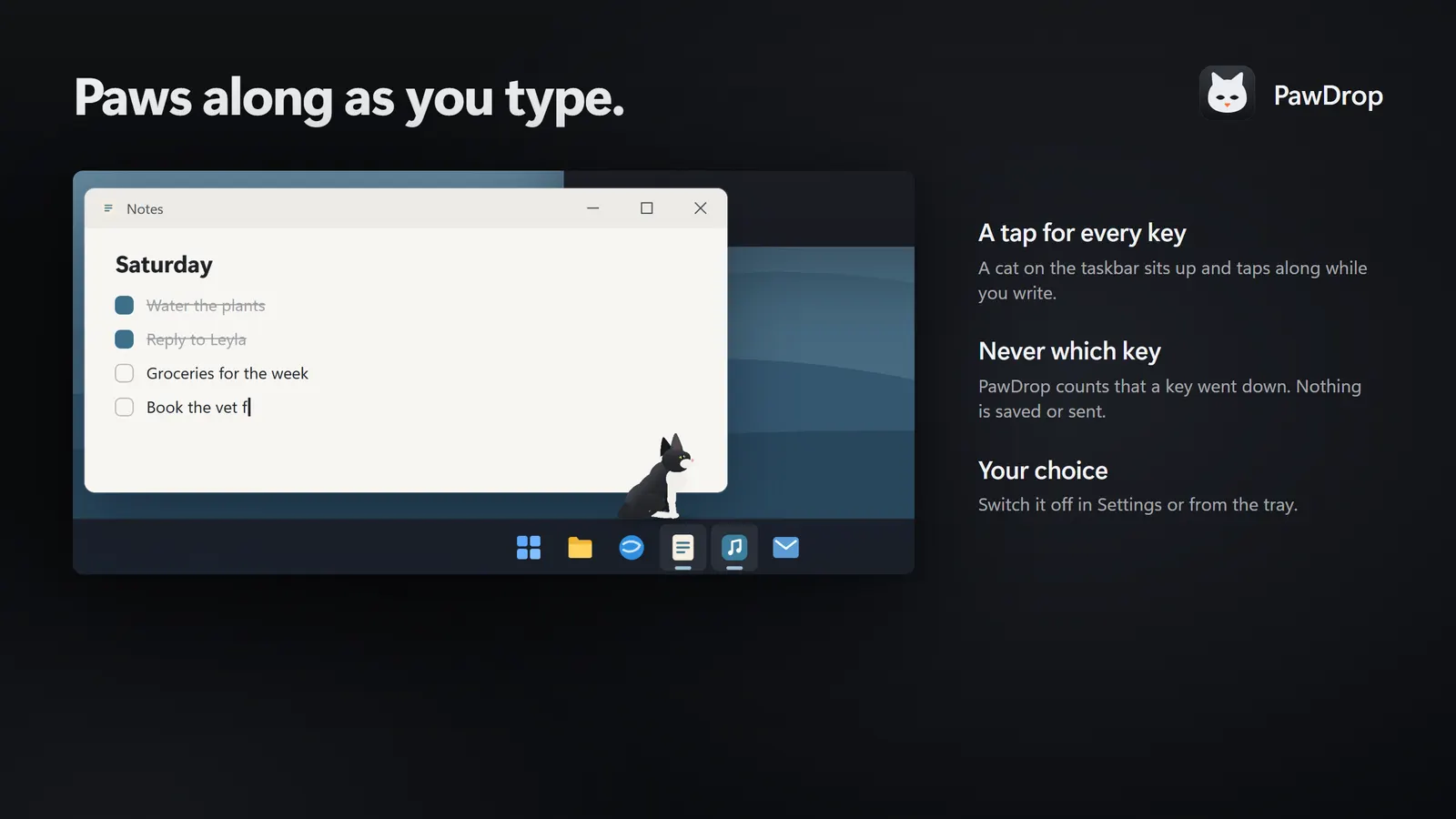
PawDrop puts a cat on your Windows desktop. It walks along the top of the taskbar, sits down to watch the pointer and taps a paw every time you press a key. Now and then it jumps up onto the window you are working in and falls asleep on its title bar.
Windows 10 (1903 or later) and 11, 64-bit.
A cat on the taskbar sits up and taps a paw with every key you press.
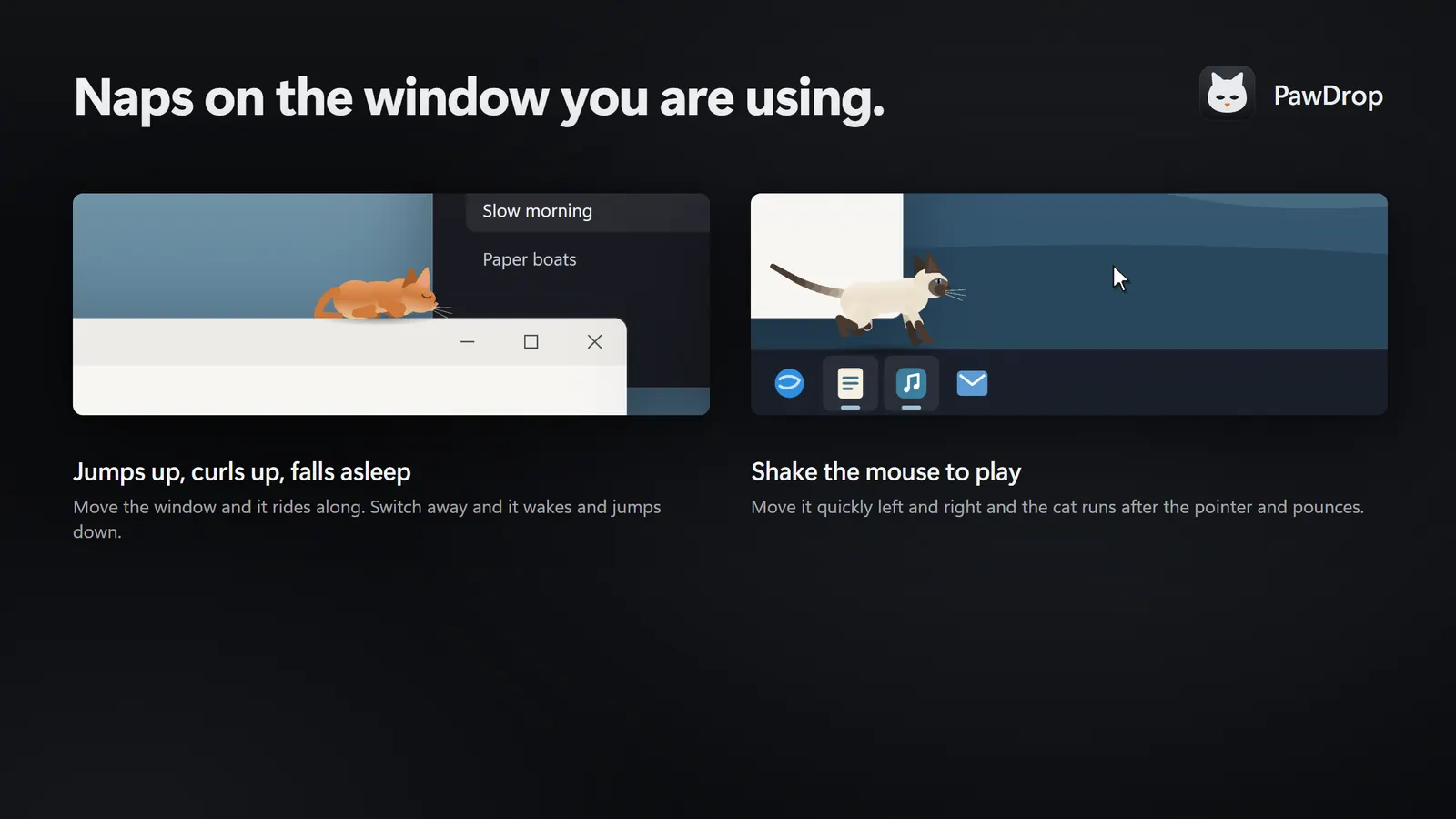
It jumps or climbs onto the active window, settles on its title bar and falls asleep. Move the window and it rides along; switch to another one and it wakes up and jumps down.
Shake the mouse quickly left and right and it runs after the pointer and pounces.
It strolls, sits, loafs, stretches, blinks and twitches an ear, and sleeps while you are away or the PC is locked.
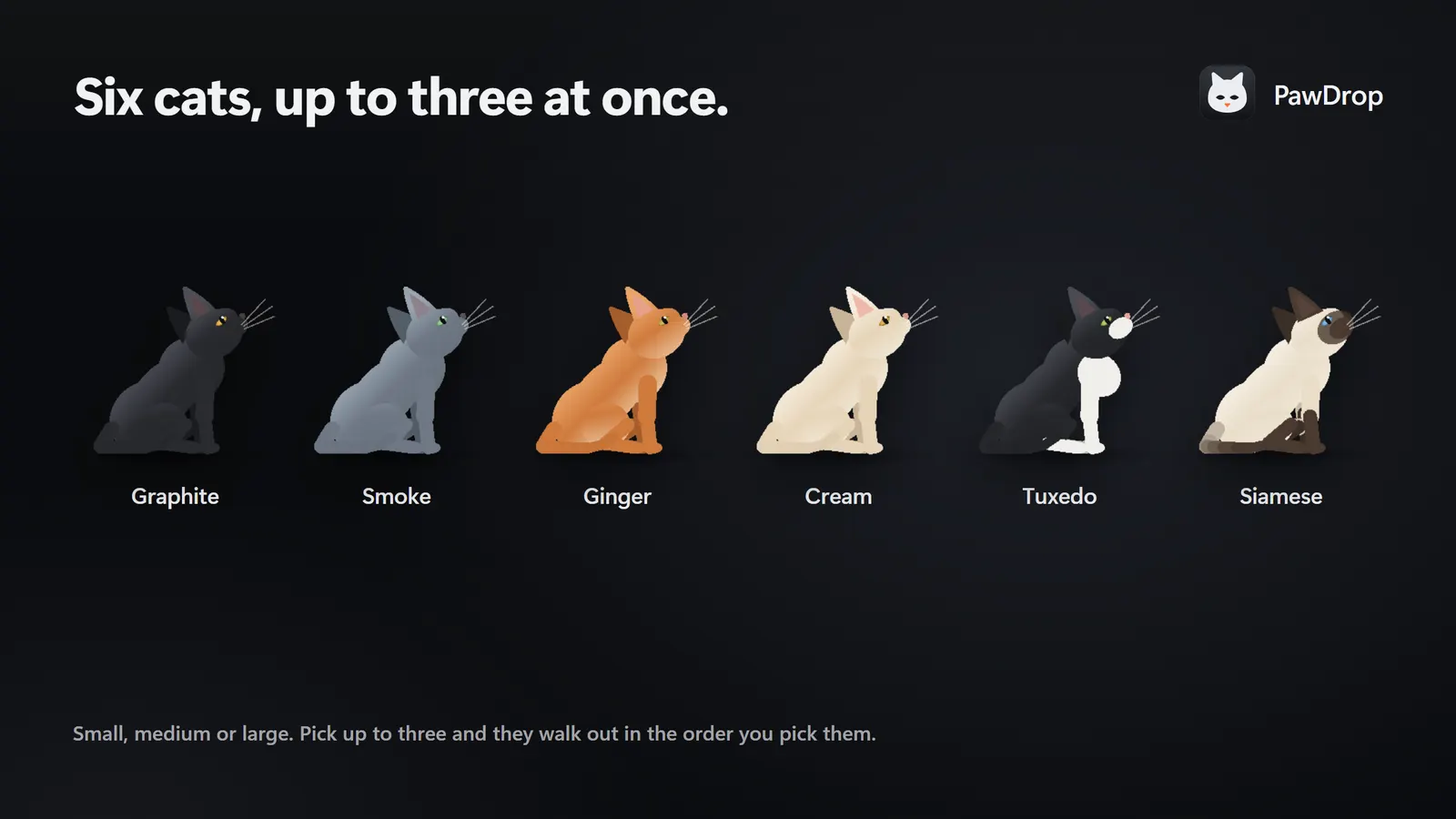
Graphite, Smoke, Ginger, Cream, Tuxedo and Siamese, each drawn and animated by the app itself. Up to three on screen at once, in three sizes.
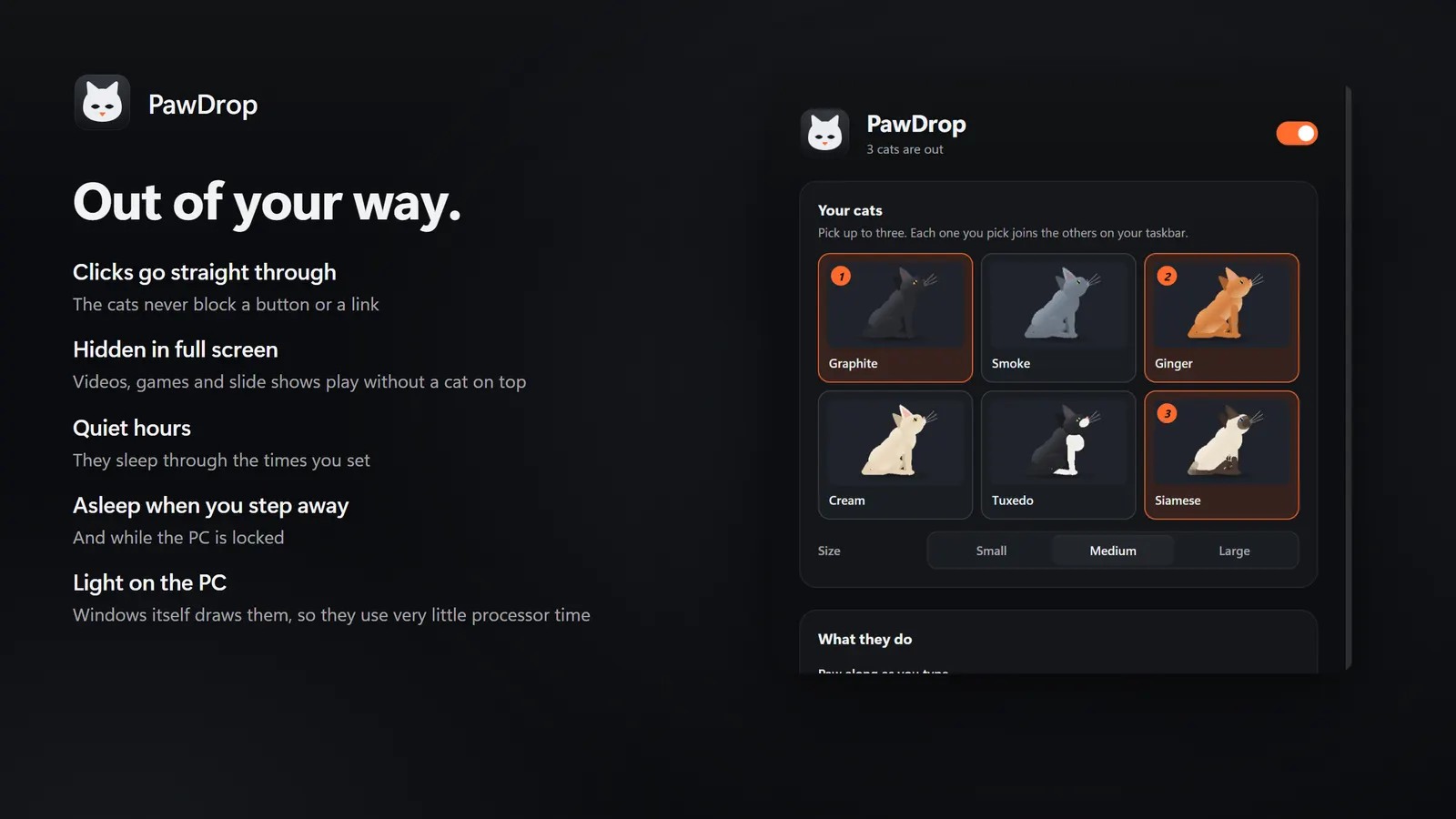
Clicks go straight through the cats. They hide while a video, game or presentation is full screen, sleep through the quiet hours you set, and Windows draws them itself, so they use very little processor time.
Patch's Windows apps are not code-signed yet, so the first time you run the installer Windows may say "Windows protected your PC". Click More info, then Run anyway.
Install PawDrop. Your cat walks in along the taskbar.
Type anywhere and the cat taps along. Shake the mouse quickly left and right to play.
Click the tray icon for Settings: cats, size, what they do and quiet hours.
No. The keyboard only times the paw taps: PawDrop counts that a key went down and never records which key. Nothing is saved or sent anywhere. You can switch typing off in Settings.
No. Clicks go straight through the cats, and they hide while a video, game or presentation is full screen. Quiet hours put them to sleep at the times you choose.
Yes. PawDrop Lite has one cat, Graphite, and does everything else. This version adds the other five cats and up to three at once.
No. You pay once and keep it. Use it on all of your own computers, and every 1.x update is free.
PawDrop comes from an independent developer and is not code-signed yet, so the first time you run the installer Windows may say "Windows protected your PC". Click More info, then Run anyway.
A Desktop Cat for Your Windows Taskbar
Need help after you buy? Reply to your receipt email and describe what happened. We will help you get it running.
A Free Desktop Cat for Your Windows Taskbar
Holiday Lights and Snow for Your Windows Taskbar and Desktop
Sweep Desktop Files Under a Rug on Windows and Mac