Budget Tracker 2027
Free One-Month Budget Spreadsheet for Excel and Google Sheets
A budget tracker for Excel and Google Sheets. Log each transaction once, with a date, a category and an amount. Plan against actual, savings goals, debt balances and the year dashboard update from it.
Excel 2016 or newer and Google Sheets. English and Azerbaijani, light and dark.
Plan against actual for up to 6 income sources and 20 expense categories, what is left in each budget, room for 200 transactions, five numbers for the month and a chart. A Not in a category line catches anything without a known category, so the month always adds up.
Your year, currency, starting balance, categories and monthly amounts. Any month can have its own budget.
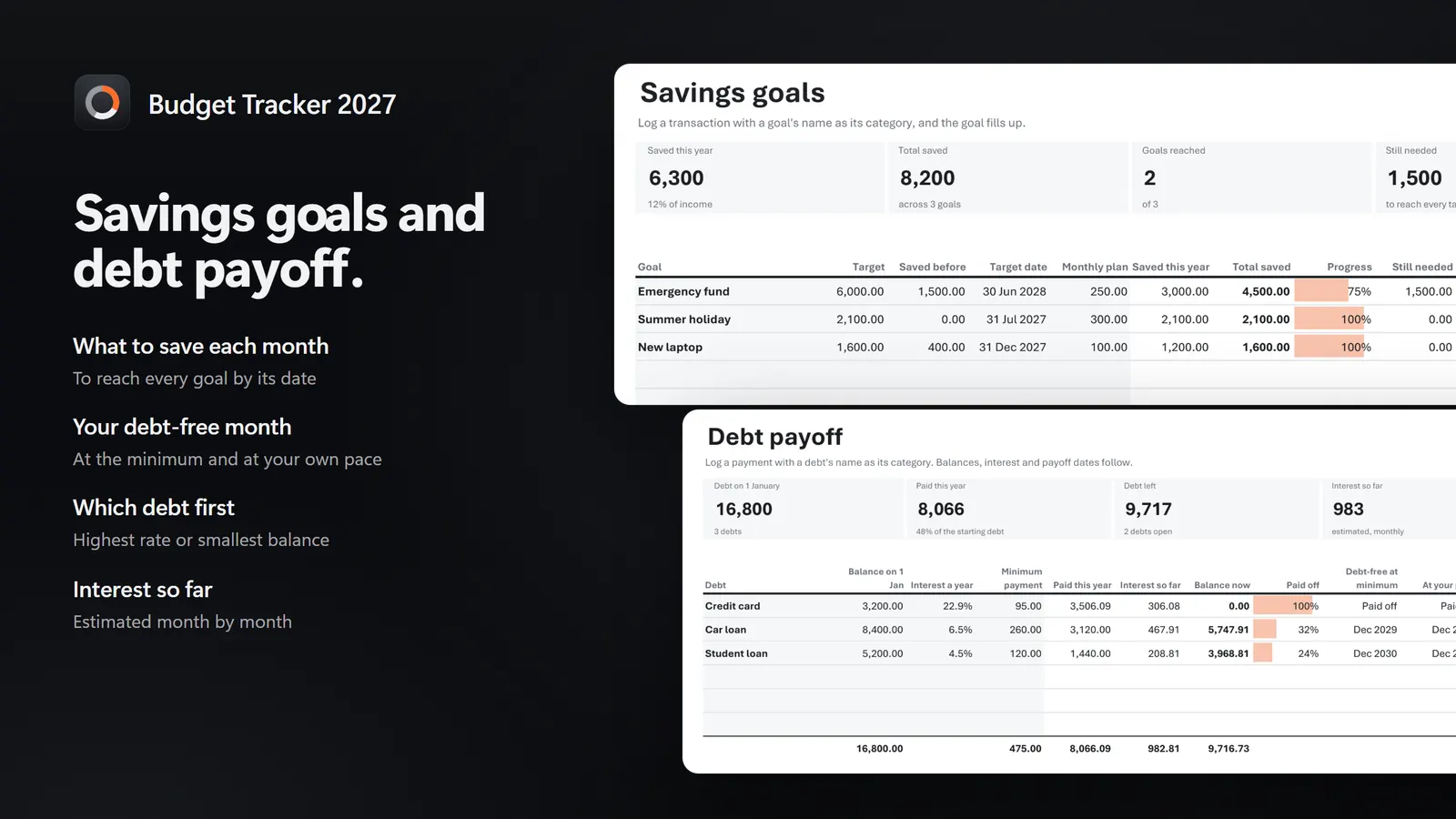
Up to 6 goals with progress, what is still needed and what to save each month to reach the target date.
Up to 6 debts with the balance and interest month by month, the month you are debt-free at the minimum payment and at your own pace, and which debt to pay first: highest rate or smallest balance.
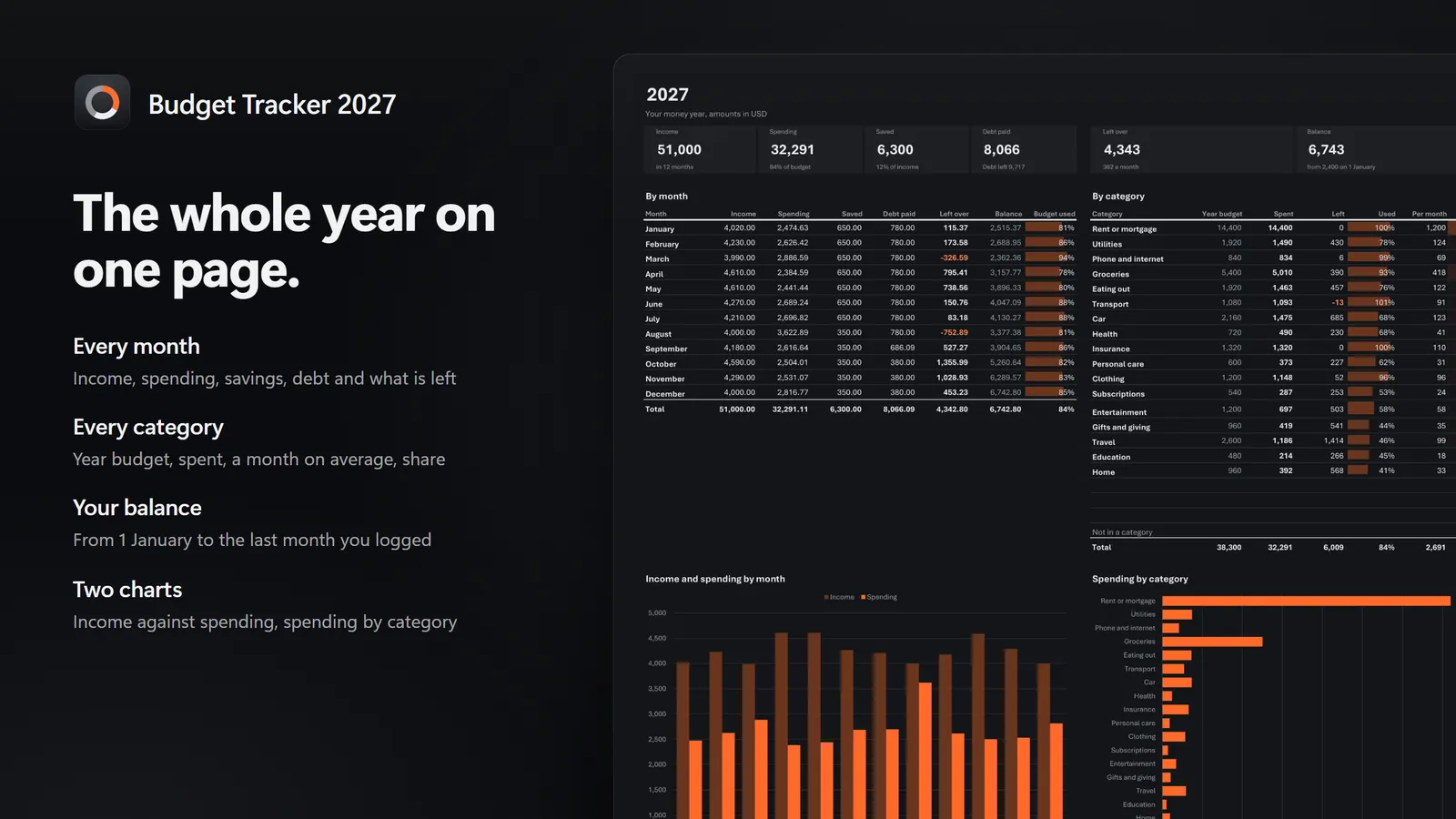
Income, spending, savings, debt payments, what is left over and your balance for every month, the year by category with each one's share, and two charts.
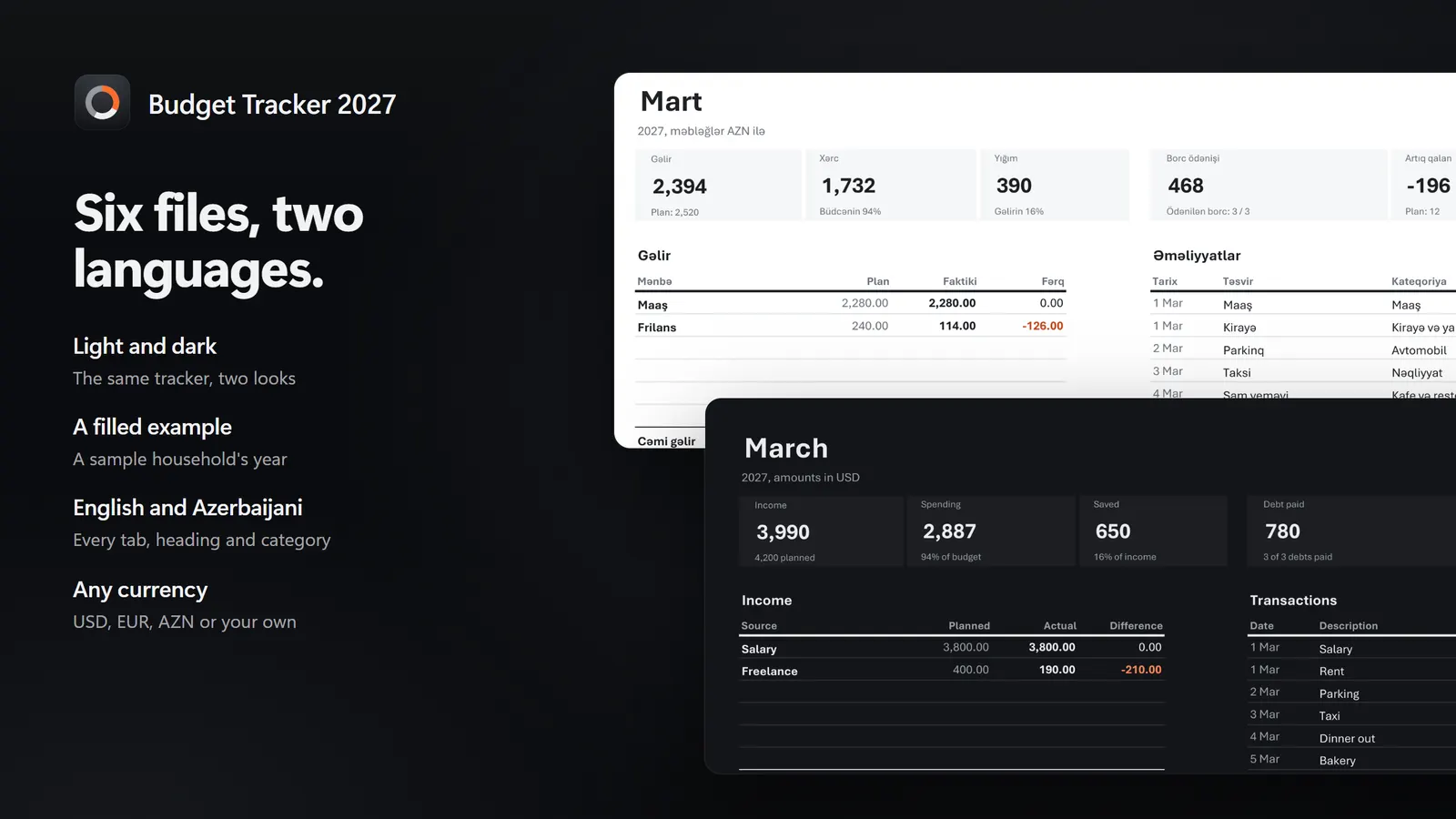
The tracker, a dark edition and a sample household's year filled in, each in English and in Azerbaijani with every tab, heading and default category translated.
Open Setup. Check the year, type your currency, rename the categories and give each one a monthly amount.
Add your goals on the Savings tab and your debts on the Debts tab.
Open the month's tab and log each transaction: date, description, category and amount.
Check the Dashboard for the year.
Any. Type your currency on Setup and it appears in the headings. Amounts are plain numbers.
No. You type or paste your transactions. The file stays on your computer or in your own Google account.
Each month adds a twelfth of the yearly rate to the balance, then subtracts that month's payments. Card issuers charge daily, so treat it as an estimate.
Excel 2016 or newer on Windows and Mac, including Microsoft 365. Google Sheets: in Google Drive choose New, then File upload, pick the file, open it and choose File, then Save as Google Sheets. Formulas and dropdowns carry over, and the small bars in the Used columns show as percentages there.
Yes. Save a copy, clear the transactions and change the year on Setup.
Yes. The free Budget Tracker month has one month with plan against actual, in English and Azerbaijani.
Monthly Budget Spreadsheet with Savings Goals and Debt Payoff for Excel and Google Sheets
Need help after you buy? Reply to your receipt email and describe what happened. We will help you get it running.
Free One-Month Budget Spreadsheet for Excel and Google Sheets
12-Month Spreadsheet with Streaks for Excel and Google Sheets
Hyperlinked PDF for GoodNotes and Notability, plus A4 and Letter Printables