Fix it at the iPhone
If the photos are not taken yet, or you copy them over a cable, the iPhone can do the work for you.
- 1
To shoot JPG from now on, open Settings, then Camera, then Formats, and choose Most Compatible. Photos you already took stay HEIC.
- 2
To convert while you copy, open the Photos settings on the iPhone, find Transfer to Mac or PC and choose Automatic. Photos copied by cable then arrive in a compatible format.
Convert a photo by hand in Paint
Windows can open HEIC files once Microsoft's HEIF Image Extensions are installed, and some PCs also need the HEVC Video Extensions from the Microsoft Store. With those in place:
- 1
Right-click the HEIC file, choose Open with, then Paint.
- 2
Open File, then Save as, and choose JPEG picture.
- 3
Name the copy and save it. The original stays as it is.
This is fine for one or two photos. It is slow for a holiday album, because you repeat it for every file, and it depends on those extensions being installed.
Use an online converter, with care
A converter website needs no install and can take a batch. The catch is that your photos are uploaded to someone else's server. That may be fine for a sunset. Think twice with ID scans, contracts or pictures of your family, because a photo can carry its GPS location and you cannot check what happens to the copy.
The one-drag way with ShiftDrop
ShiftDrop is a small app that converts files where they are. It reads HEIC with its own built-in decoder, so you do not need the Microsoft extensions, and the conversion runs on your computer with no internet connection.
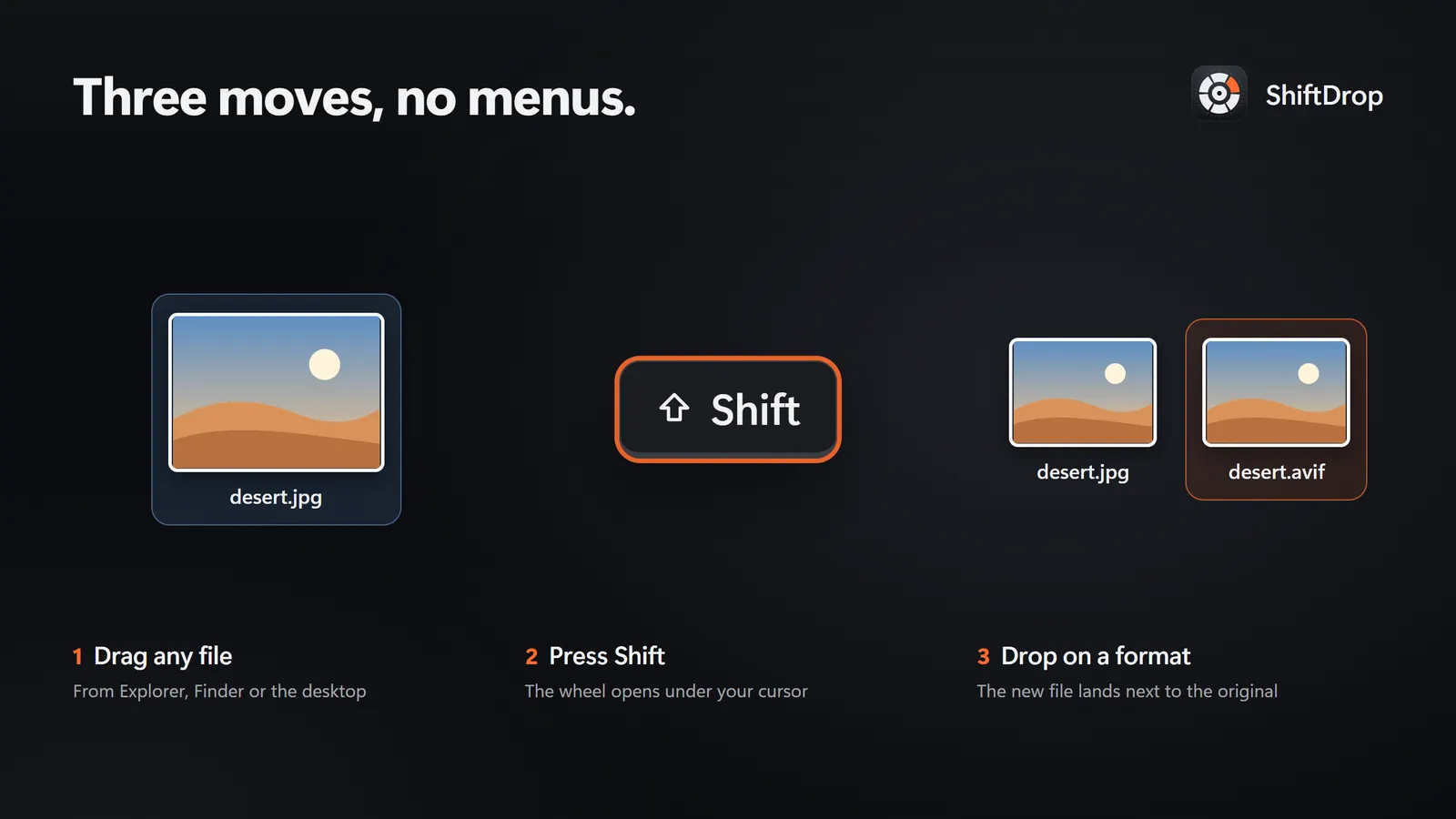
- 1
Start dragging the photo in File Explorer. You can select several first.
- 2
Press Shift. Windows does not tell apps what a HEIC file is during a drag, so ShiftDrop shows a small Choose hub first. Drop the photo on it.
- 3
The wheel opens under your pointer. Click JPG.
- 4
The JPG appears next to the original, which stays untouched.
The same wheel also offers PNG, and Edit if you want to change the size, angle, light or color first.
WebP to PNG and other pictures
Saved a picture from the web and got a WebP your app will not open? It works the same way, with one step fewer: start dragging the file, press Shift and let go over PNG. ShiftDrop handles JPG, PNG, WEBP, AVIF, HEIC, TIFF, BMP and ICO, so the same move covers most picture formats you meet.
The same app compresses pictures to a target size and removes tags such as GPS location before you share them.